1
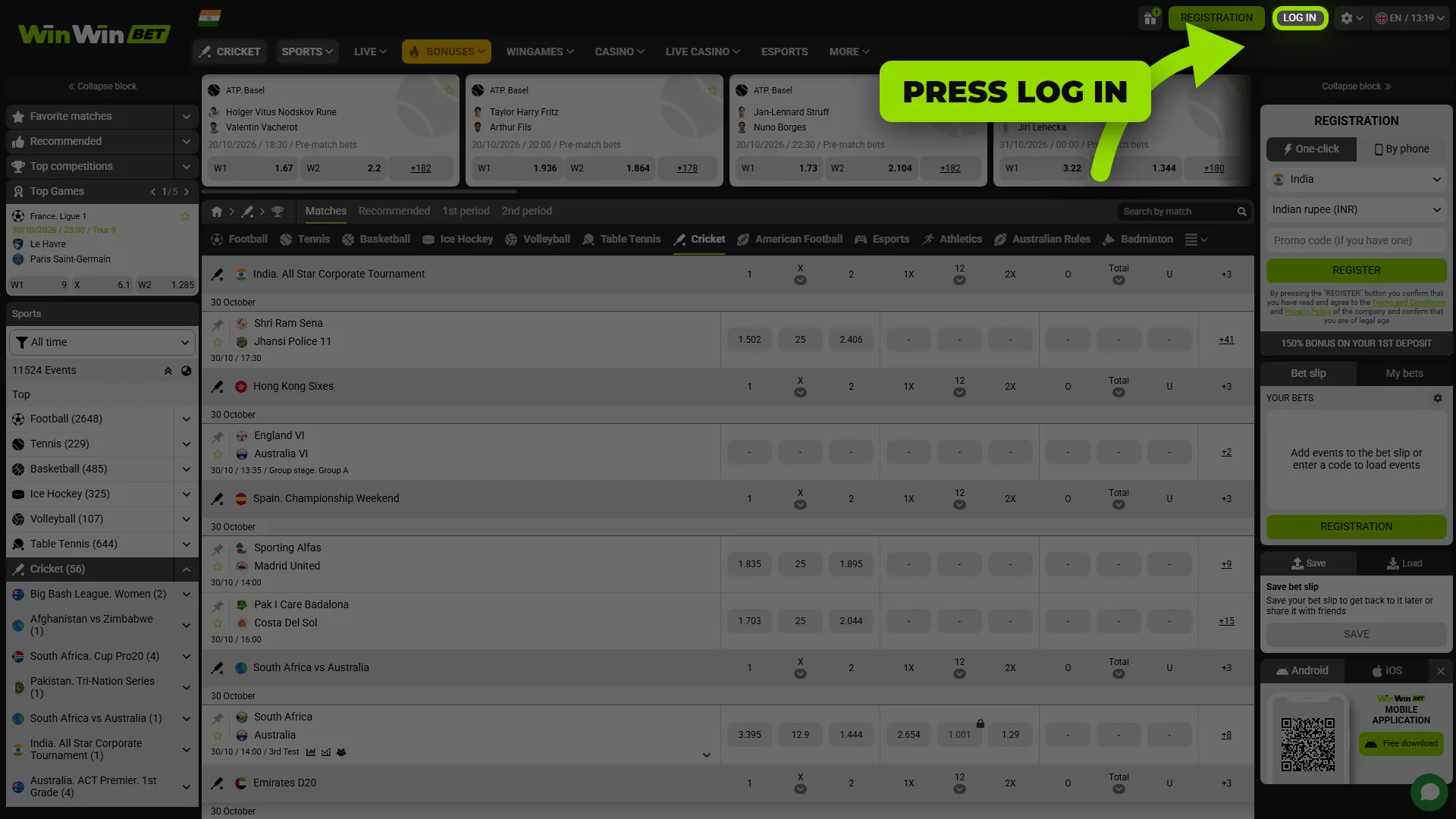
Click Log In
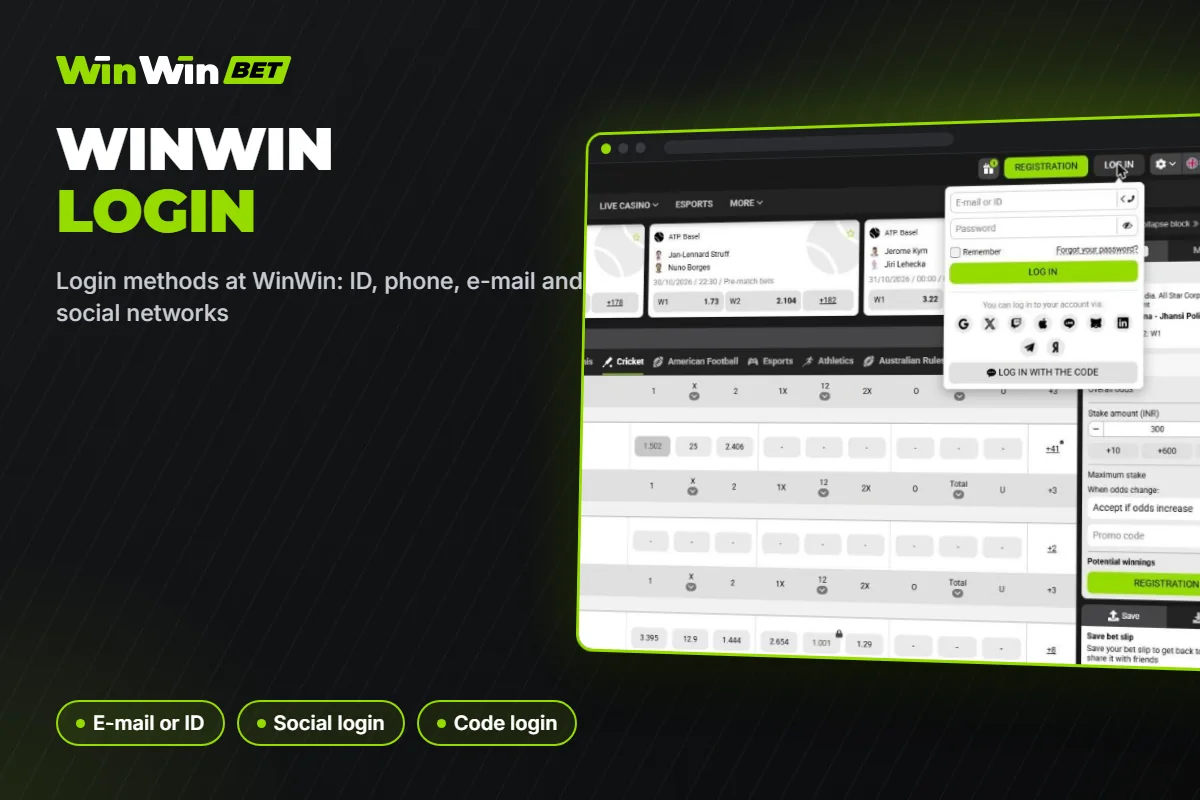
Open our site and press the Log In button in the top right corner, next to Registration.

Logging in to WinWin takes a few seconds on any device. You can sign in with your account ID, phone number or e-mail and password, or through the social network you used at registration. On this page we explain every login method, show how to restore access if you forget your password, how to protect your account with two-factor authentication and what to do if the site or the app does not let you in.
Promo Code October 2026
The login form is the same on the desktop site and in the mobile version.
Open our site and press the Log In button in the top right corner, next to Registration.
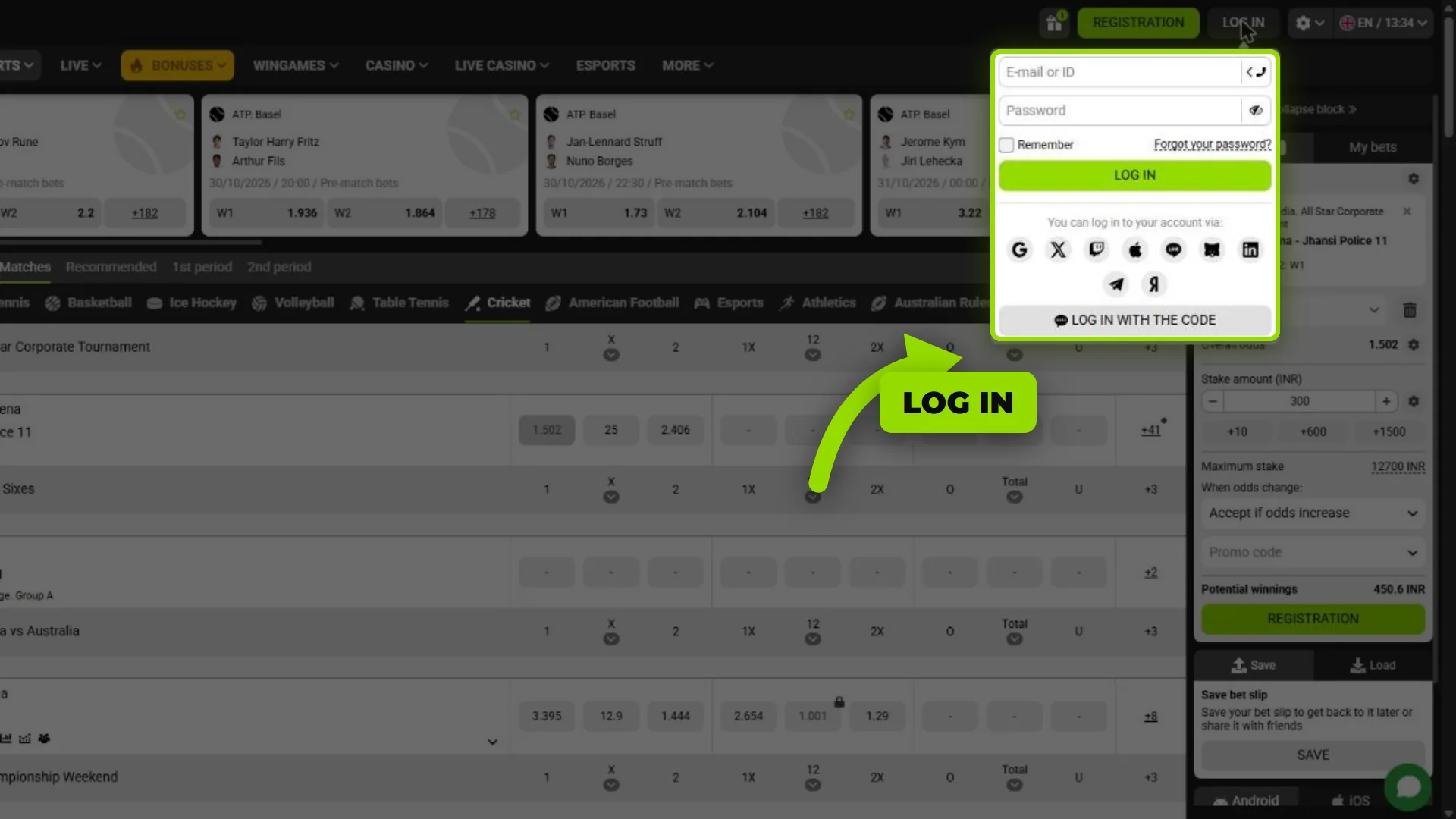
Type your e-mail or account ID and your password, or switch the field to your phone number. If you registered via a social network, tap its icon instead.
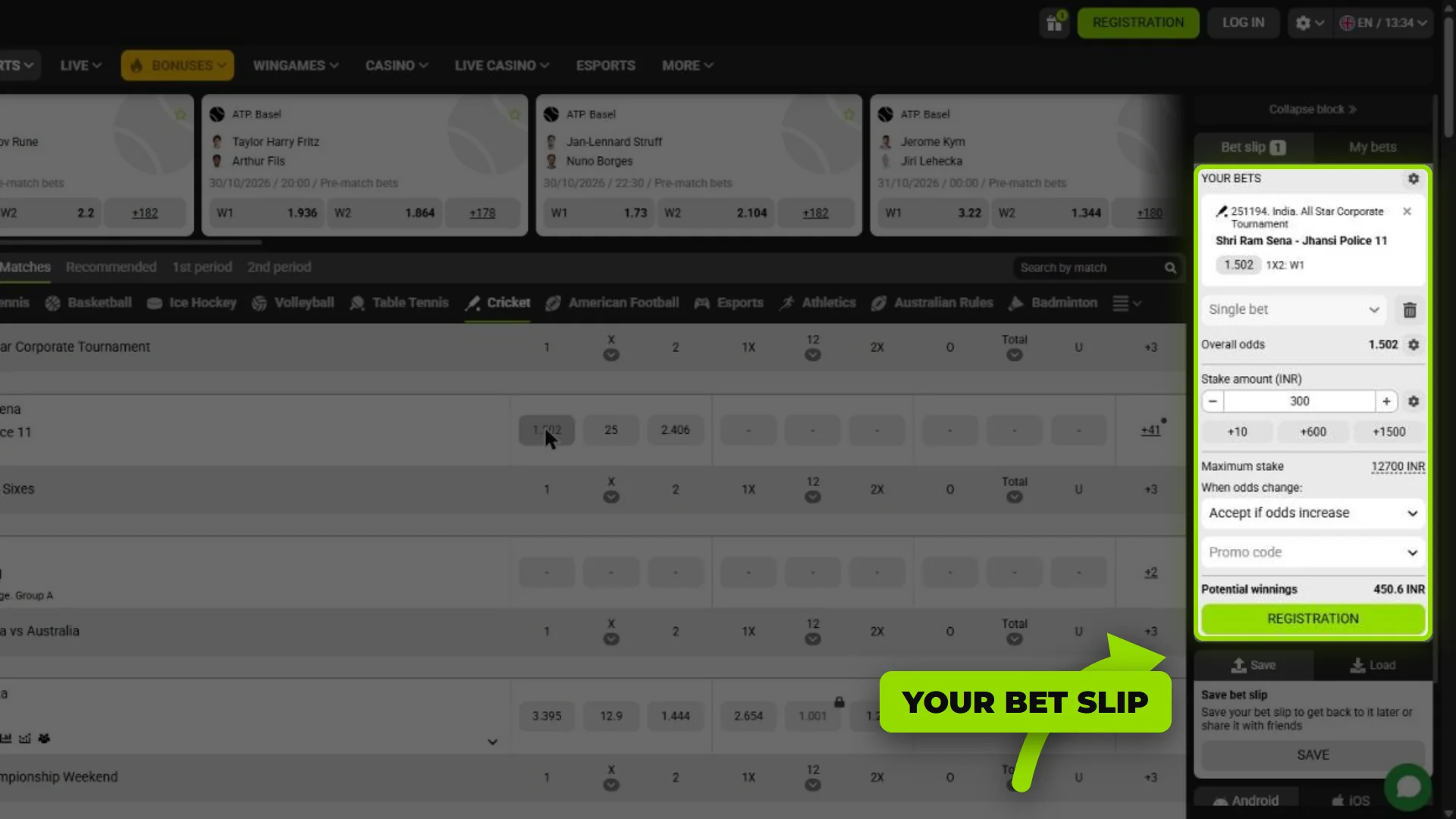
Press Log In. If two-factor authentication is on, enter the confirmation code. Your balance, bet slip and bonuses are available immediately.
You can log in with the same method you used when creating the account:
| Method | What You Enter | Best For |
|---|---|---|
| Account ID + password | The ID number we gave you at registration | One-click accounts |
| E-mail + password | The e-mail from your profile | Full e-mail registration |
| Phone number | Switch the login field to phone and enter your number with +91 | Players who registered by phone |
| Social network or messenger | One tap on Google, X, Apple, Telegram or another icon | Fast access without a password |
| Log in with the code | A one-time code instead of the password | Logging in on a new device |
If you registered in one click, save the ID and password shown after registration – download them as a file or send them to your e-mail. You will need them to log in from another device.
On a smartphone you can log in through the mobile version of the site in any browser or through our Android app. The app remembers your session, so you do not need to type the password every time. On the site, tick “Remember” in the login form to stay signed in on your personal device.
On iPhone, add the mobile version of the site to the home screen through Safari – it works like an app and keeps you logged in.
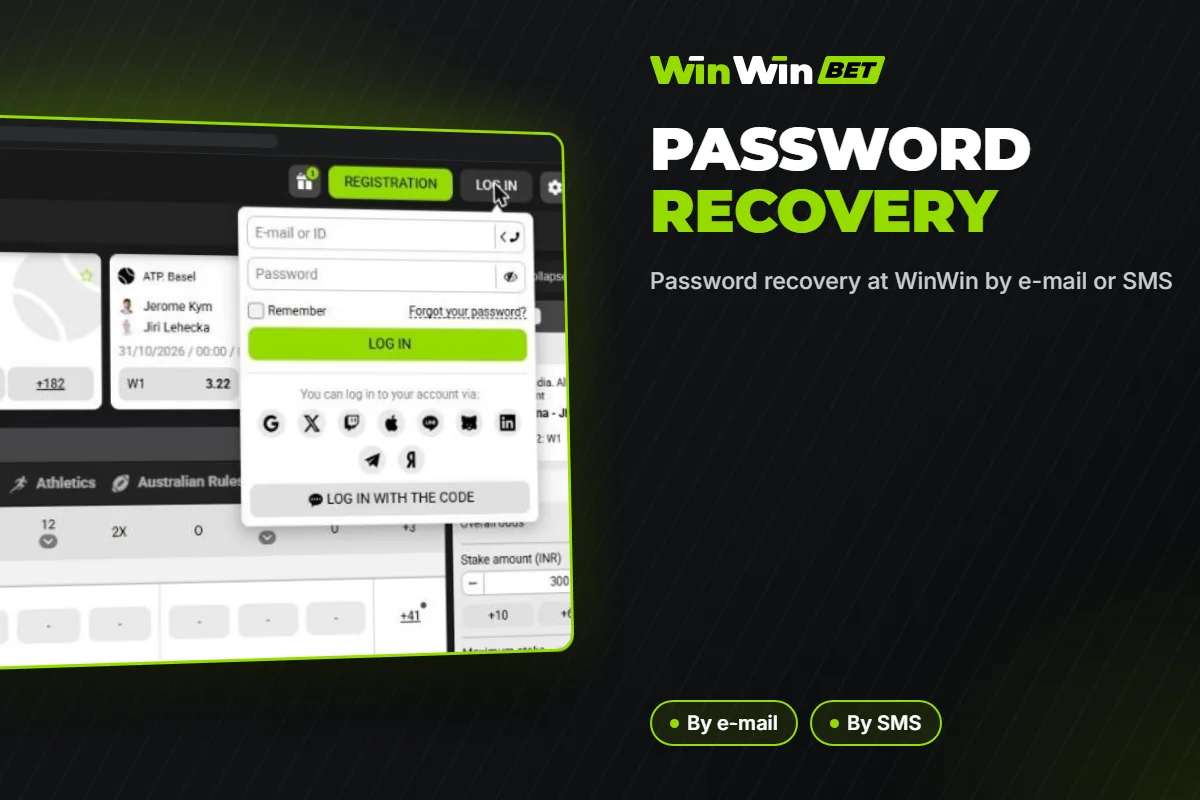
You can restore access in a couple of minutes:
If you no longer have access to the e-mail or phone in your profile, contact our support team through live chat. We will ask you to confirm your identity before changing the contact details.
| Problem | Solution |
|---|---|
| Incorrect login or password | Check the keyboard layout and Caps Lock, then try ID instead of e-mail or phone. Reset the password if needed. |
| The site does not open | Use the app or the mobile version, clear the browser cache or try a different browser. Our support can send you the current working address. |
| SMS code does not arrive | Wait 1–2 minutes, check that the number is correct and that your phone accepts short-code messages, then request the code again. |
| Account blocked after several attempts | Wait 15–30 minutes or contact live chat to unlock the account. |
| Account self-excluded | Access is restored only after the self-exclusion period ends. |
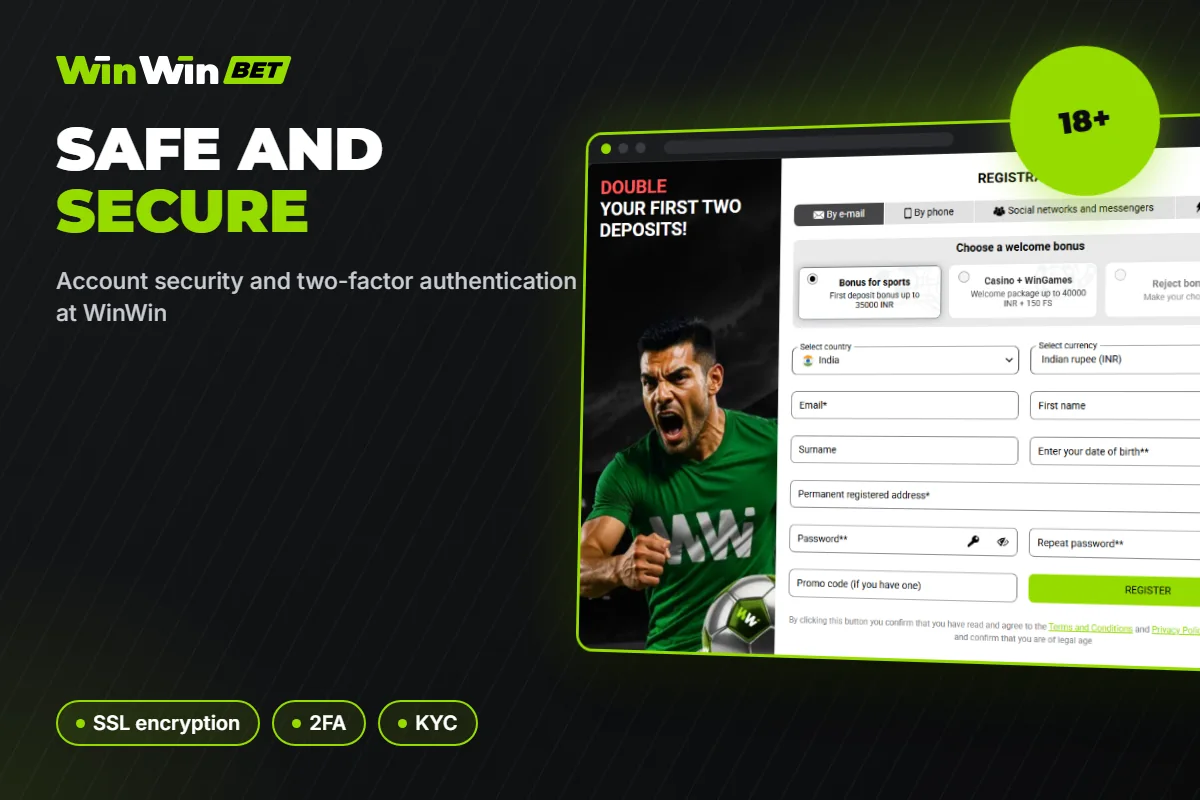
We protect every account with SSL encryption, but your habits matter too:
Once you are logged in, the whole platform is available to you:
Registration takes less than a minute. Read our sign-up guide, choose the sports or casino welcome package and start with a bonus of up to 65,000 INR.
Click Log In, enter your ID, phone number or e-mail and password, or choose the social network you registered with.
The ID is shown after one-click registration and in your profile. It is also sent to your e-mail if you saved the details.
Yes, you can use one account on your computer, phone and tablet. Never share your account with other people.
Use “Forgot your password?” in the login form and confirm the reset by e-mail or SMS.
Yes. The connection is encrypted, and you can add two-factor authentication for extra protection.
Update the app to the latest version, check your internet connection and the login details. If the problem continues, contact our 24/7 live chat.
Updated:
Comments